
 William Janeway
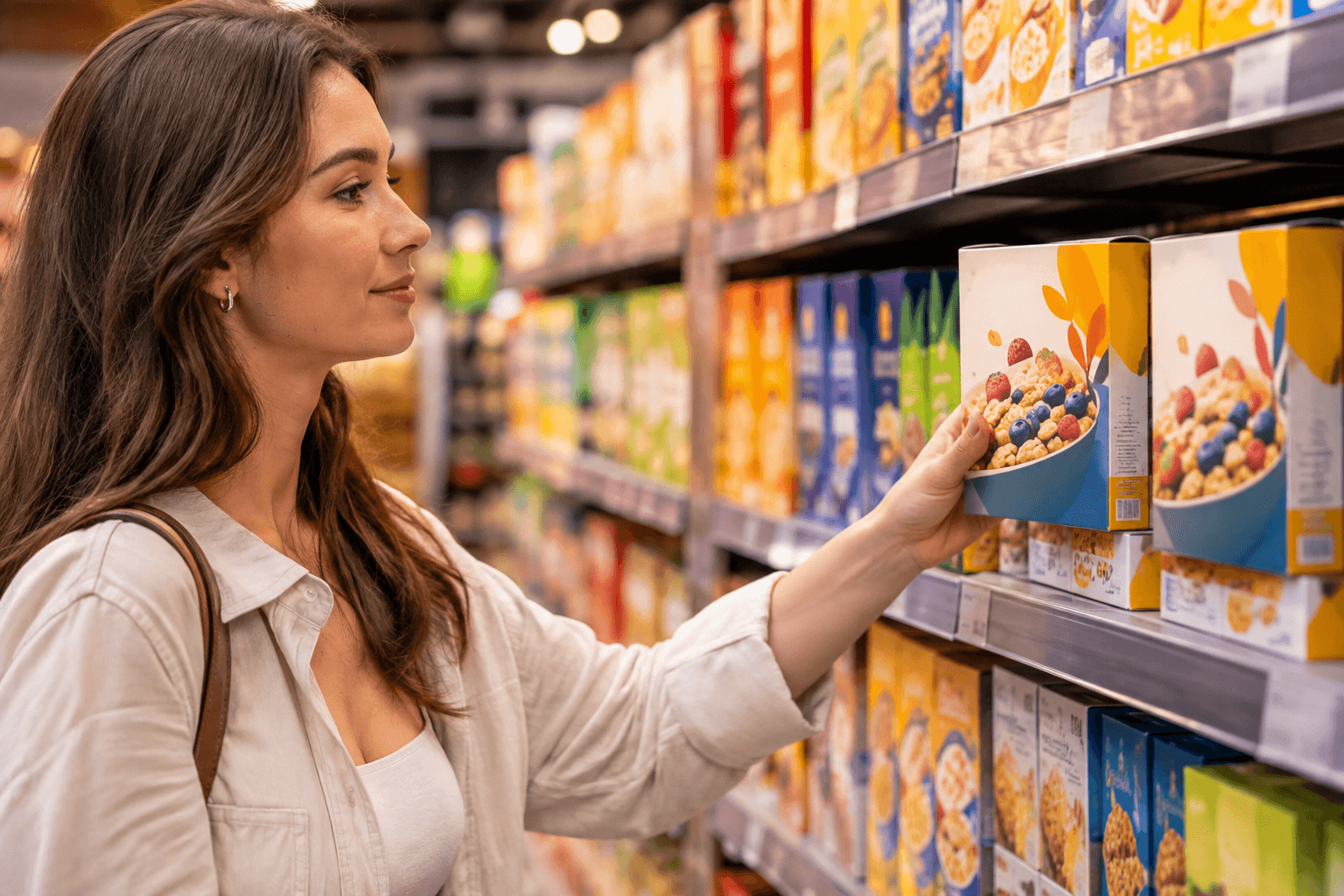
A shopper sees your product on a supermarket shelf on Saturday. On Monday, she reorders it from a retailer's app. If the pack on the shelf and the image on the screen don't match, with an old claim, a previous design or the wrong pack size, you lose trust and sometimes the sale.
For FMCG brands, retail packaging design is no longer one job. The same product now needs to work on a physical shelf, inside a shelf-ready case, and as a set of images on a dozen online stores. This guide explains what omnichannel packaging assets are, where consistency usually breaks, and how packaging and brand teams can build a process that keeps every channel aligned.
What are omnichannel packaging assets?
Omnichannel packaging assets are all the physical and digital versions of a product's packaging that a brand uses across sales channels. They all come from the same approved artwork, and they must stay consistent with it.
For a typical FMCG SKU, that includes:
- Primary packaging artwork: the pack the consumer takes home.
- Secondary and shelf-ready packaging (SRP): the case or tray that goes straight onto the retail shelf.
- Packaging images: front-of-pack photos or renders, side and back views, nutrition panel shots and multipack images.
- Ecommerce hero images: simplified images built to be read on a small mobile screen.
- 3D renders and CGI: computer-generated pack visuals used for online retail, marketing and pre-launch sell-in.
- Product data linked to the pack: name, variant, size, claims and ingredients shown on retailer sites.
The key idea is simple: one approved artwork, many outputs. Every asset should be traceable back to a specific artwork version.
Why retail packaging design now has two audiences
Packaging used to be designed for one moment: a shopper standing in an aisle. That moment still matters, but it now shares the stage with a second one: a shopper scrolling a search results page.
The two moments ask for different things:
On the shelf |
On the screen | |
|---|---|---|
| Viewing distance | 1–3 metres, then in hand | A thumbnail, often on a phone |
| Time to decide | A few seconds | Less than a second per result |
| What helps | Colour blocking, shape, brand block | Clear brand, variant and size at small sizes |
| What hurts | Clutter, weak brand presence | Small text, fine details, low contrast |
| Who controls it | Brand + retailer planogram | Brand + retailer content team |
Good retail packaging design today means designing for both from the start, not designing for the shelf and "making it work online" afterwards.
Shelf-ready packaging: the forgotten brand asset
Shelf-ready packaging (SRP), also called retail-ready packaging, is the outer case that is opened and placed directly on the shelf. Many retailers require it, because it saves store staff time.
The widely used ECR Europe framework describes good SRP with five "easies":
- Easy to identify: staff can find the right case in the backroom.
- Easy to open: perforations and tear strips work without tools.
- Easy to shelve: the case fits the shelf and stacks well.
- Easy to shop: shoppers can see and take the product.
- Easy to dispose: the case flattens and recycles easily.
For brand teams, SRP matters for two reasons. First, it is often the largest branded surface in the aisle, especially when several cases sit side by side. Second, it has its own artwork, with its own versions and approvals. When the primary pack changes, the SRP artwork often needs to change too. If no one connects the two, the shelf shows a new pack inside an old case.
Tips for shelf-ready packaging artwork
- Put the brand and variant on the front panel that stays after opening.
- Keep the design simple enough to read from across the aisle.
- Check that the tear line doesn't cut through logos or key messages.
- Link SRP artwork to the primary pack artwork it contains, so updates trigger each other.
Online retail packaging: what changes on a screen
In online retail, the shopper never touches the pack. The packaging images do all the work. That changes what "good packaging" means.
The main product image
Most large marketplaces and grocery retailers have rules for the main image. A common pattern is a plain white background, the product filling most of the frame, and no added text or graphics. These rules differ by retailer, so keep a simple spec sheet per channel.
Mobile-ready hero images
Many shoppers see your product as a tiny image on a phone. At that size, a normal pack photo becomes hard to read. Mobile-ready hero images solve this by clearly showing four things:
- Brand: who makes it
- Format: what it is
- Variant: which flavour or type
- Size: how much is inside
A hero image may simplify or enlarge parts of the pack, but it must still match the real product. If it promises something the pack doesn't, you create a trust problem and, in some cases, a compliance problem.
Supporting images
Back-of-pack, ingredient lists, nutrition panels and allergen information are critical online, because shoppers can't turn the pack over. These images must show the current version of the text. An old ingredient list on a retailer site is not just a brand issue; it can be a consumer safety issue.
Where omnichannel consistency breaks down
In our work with FMCG brands, the same failure points come up again and again. Most of them are not design problems. They are process problems.
1. Separate teams, separate files
Packaging artwork sits with the packaging team and their agency. Ecommerce images sit with the ecommerce or digital team, often with a different agency or photo studio. Nobody owns the link between them.
2. Images are made from old artwork
Photos are often shot from production samples, which can be months old by the time they go live. When the artwork changes again, nobody re-shoots.
3. No version link
A retailer has an image file called "final_v3_NEW.jpg". Which artwork version does it show? Without a clear link, nobody knows if it's still correct.
4. Approvals stop at print
The artwork goes through a careful approval process with marketing, regulatory and quality. Then the ecommerce images are created and published with a much lighter check, or none at all.
5. Multiplied by every SKU and market
One brand may have dozens of variants, several pack sizes and multiple markets. Small gaps multiply fast. A single claim change can affect hundreds of assets across many channels.
How to manage packaging images across SKUs and channels
Consistency doesn't come from checking harder at the end. It comes from building a workflow where every asset starts from the right source.
Step 1: Make approved artwork the single source of truth
Every packaging image, render and SRP design should start from an approved artwork version. Not from a photo of last year's pack, and not from a file someone found in a shared drive.
Step 2: Give every asset a version link
Tag each asset with the SKU, market and artwork version it belongs to. This makes it easy to find all affected assets when something changes.
Step 3: Use CGI where it makes sense
3D renders made directly from approved artwork can be created before the first pack is printed. That means:
- Online listings can go live on launch day, not weeks later.
- Updating an image after an artwork change is faster than a new photoshoot.
- Every variant in a range looks the same: same angle, same light, same style.
Photography still has its place, for example in lifestyle shots and for packs with special finishes that renders struggle to show. But for standard packshots across a large range, CGI is often the more consistent choice.
Step 4: Extend your approval workflow to digital assets
The people who approve the artwork should also see the assets made from it, or at least have a clear sign-off step for them. Claims, allergens and pack sizes should be checked in images with the same care as on the printed pack.
Step 5: Set channel specs once
Create a short spec for each channel: image sizes, background rules, number of images and hero image requirements. Store it with the assets, so nobody has to rediscover the rules for every launch.
Step 6: Plan updates as part of every artwork change
When an artwork change is approved, the job isn't done. Build a simple checklist: which SRP designs, renders, hero images and retailer listings must be updated, and who sends them to each retailer.
Retail packaging differentiation on shelf and online
Standing out is still the main job of packaging. But retail packaging differentiation works a little differently in each channel.
On the shelf, differentiation comes from distinctive brand assets: colour, shape, logo and visual system. A strong, consistent system lets shoppers find your brand quickly among competitors. Shelf-ready packaging helps by creating a larger brand block.
Online, every product appears in the same small square. Shape and size matter less, so clarity matters more. Strong ecommerce product presentation comes from:
- A recognisable brand block that still reads at thumbnail size
- Clear variant colour coding across the range
- A consistent image style for all SKUs, so the range looks like one family
- Accurate, complete images that answer the shopper's questions
The brands that do this well treat their visual system as something that has to work at every size, from a pallet display to a 150-pixel thumbnail.
An omnichannel packaging checklist
Use this list before any launch or artwork update:
- Is the artwork approved, and is the version recorded?
- Does the shelf-ready packaging match the new primary pack?
- Are all packaging images made from the approved version?
- Do hero images clearly show brand, format, variant and size?
- Are claims, ingredients and allergens correct in every image?
- Have the right people signed off on the digital assets?
- Does each asset meet the spec of its channel?
- Is there a plan to send updated assets to every retailer?
- Are old assets archived so they can't be reused by mistake?
How Collabra helps brands keep every channel aligned
Collabra has worked with packaging and artwork management for Nordic brands since 2003. We help brand and packaging teams with the full chain, from packaging design and artwork production to print management, CGI and process design.
For omnichannel packaging, that usually means:
- Setting up the workflow so that artwork, SRP and digital assets are connected and approved in the same process.
- Producing CGI packshots directly from approved artwork, so online images are ready on launch day and stay consistent across the range.
- Building design systems and toolkits that work on the shelf and on screen, so future updates are faster.
- Cleaning up existing asset libraries, so teams know which version is current.
We work with the tools our clients already use, whether that's Cway or other packaging platforms. The goal is not a new tool. The goal is a process where every channel shows the right pack.
